
If you’re a local business owner trying to figure out how to get more people calling, clicking, or visiting, you’re probably asking: Should I focus on Service Area Pages or Google Maps? You’re not alone! Many service-area businesses are wondering which one helps bring in more local leads.
The short answer? Both are powerful in different ways. But knowing how they work and when to use them is the secret to better search performance, more potential customers, and a winning SEO strategy.
Whether you’re just learning about Google Maps SEO, or you’ve already set up your Google Business Profile, this article will walk you through everything in simple steps—even if you’re in 6th grade!
What Are Service Area Pages?
Service Area Pages (SAPs) are special pages on your website that show what areas you serve. Instead of having one big page for your business, you can create smaller pages that are focused on specific cities, zip codes, or neighborhoods.
For example, if you’re a mobile dog groomer in Dallas, you could make pages like:
- “Dog Grooming in Plano”
- “Pet Services in Richardson”
- “Mobile Grooming in Garland”
Each page uses location-specific keywords and relevant content to help you show up in search results when people in those places look for your services.
Key Ingredients of a Great Service Area Page:
- Clear title with the location
- Services offered in that area
- Photos or visual content from real jobs
- Customer reviews or testimonials from local satisfied customers
- Internal links to related pages
- Local markup (like your business name, hours, and contact info)
- No duplicate content
It’s like building little “neighborhood billboards” online for every area you want to reach—without needing a real business address there.
What Is Google Maps and Google Business Profile?

Google Maps isn’t just for directions anymore—it’s where millions of people search for nearby businesses every day on their phones or mobile devices.
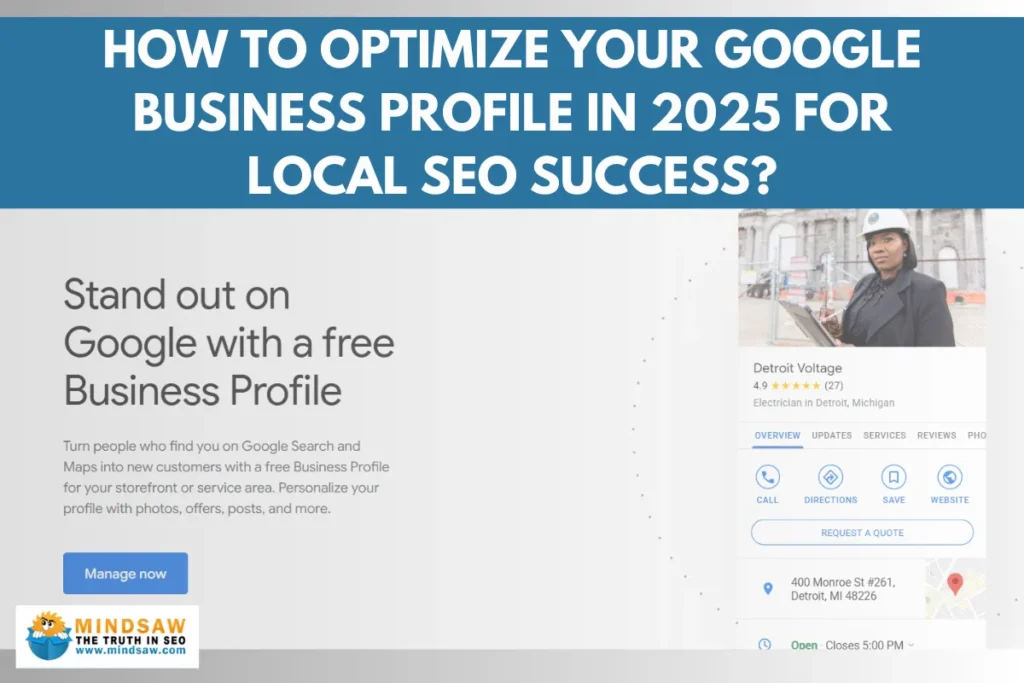
To show up in Google Maps, you need a Google Business Profile (GBP), also known as your Google My Business listing. This is where you add your business location, phone number, website, business hours, photos, and more.
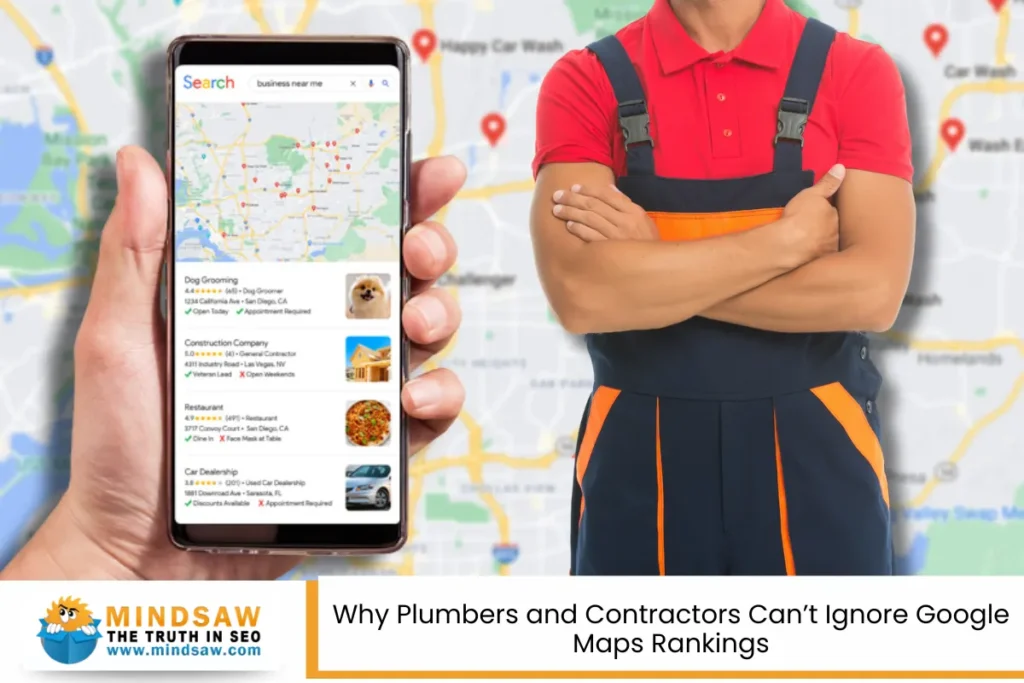
When someone searches for a local service, like “electrician near me,” Google may show a special box at the top of the screen called the Local Pack. It includes a map and 3 top listings—each linked to a Business listing.
Why It Works:
- People can click to call, get directions, or visit your site
- Shows your reviews from customers
- Helps boost search engine ranking based on proximity, relevance, and prominence—three core ranking factors
- Great for urgent searches with strong search intent
Whether you’re a service-based business or have a storefront, your Google Business Profile helps you connect with local audiences right when they’re ready to take action.
Comparing Performance: Service Area Pages vs. Google Maps
Let’s get to the real question: Which one drives more leads?
Google Maps / Google Business Profile:
- Fast results for people nearby using mobile devices
- Good for “near me” search queries
- Converts well for high-intent customer behavior (e.g., “call now” or “get directions”)
- Helps boost your Business listing in the Local Pack
- Needs customer feedback and fresh Google Posts
Service Area Pages:
- Helps you rank in organic search for areas outside your immediate location
- Great for targeting more location-based keywords
- Supports content clusters and content marketing
- Attracts visitors who may not be near you but are looking for specialized services
- Builds long-term search visibility and web authority
Best Strategy?
Use both! Here’s why:
- Google Maps gets quick conversions.
- Service Area Pages expand your reach in search engine results and build trust over time.
- Together, they hit different parts of the funnel: awareness, discovery, and action.
When to Use Each Strategy
| Business Type | Best Strategy |
| Mobile / Service-area businesses | Service Area Pages + Google Business Profile |
| Local storefront or office | Google Maps + content optimization |
| Expanding into nearby towns | Service Area Pages with relevant keywords |
| Competing in big cities | Optimize both for best search rankings |
If you’re a service-based business without a physical store, SAPs help you appear in more places. If you do have a shop or office, your Google Maps listing becomes your top lead source.
Next, we’ll go over how to combine both for even more power.
How to Combine Service Area Pages and Google Maps for Maximum Local Leads

You don’t have to choose between Service Area Pages and your Google Business Profile—you can (and should) use both as part of a powerful SEO strategy.
When these tools work together, they create a web of search optimization that attracts potential customers from many angles—on both Google Maps and in regular organic search results.
Here’s how to do it effectively:
1. Match Your Website to Your Business Listing
Make sure your business category, name, business hours, and business address (if public) match exactly between your website and your Google Business Profile. This builds trust signals for Google.
2. Use Internal Links Between Pages
Every Service Area Page should include links back to your main services and even to your Google Maps listing. These links help users (and search engines) move easily between your content.
3. Collect and Show Customer Feedback
Encourage happy customers to leave reviews from customers directly on your Google Business Profile. Then, reuse those customer testimonials on your SAPs. This builds credibility and improves both your search rankings and conversion rate.
4. Add Markup for Better Search Visibility
Use schema markup on both your homepage and your service area pages. This helps Google understand your business location, services, and customer reviews. The right markup is a hidden but powerful ranking factor.
5. Post Regularly on Google Business
Use Google Posts to share updates, photos, promotions, or community events. These mini-blog posts show you’re active and involved. It also sends positive signals to both customers and the search engine.
6. Make Each Page Unique and Engaging
Every page should have relevant content that answers local questions, uses location-based keywords, and even mentions community involvement (like local partnerships or community organizations). This makes your content pieces more appealing to both searchers and search bots.
Winning the Local Leads Game

So, which drives more local leads: Service Area Pages or Google Maps?
The real answer: They’re both winners—just at different parts of the customer journey.
- Google Maps brings fast, high-intent leads from people ready to call or visit right now.
- Service Area Pages expand your search visibility across towns and cities where you may not have a physical store, but still want to attract business.
If you’re serious about growing your reach, helping loyal customers, and bringing in more customer behavior insights, use both strategies together.
Remember:
- Keep your pages free of duplicate content
- Focus on engaging content and location-specific keywords
- Track your search engine ranking and tweak as needed
- Respond to every customer review, whether it’s praise or feedback
- Add visual content and update it often
- Think about how people search using mobile devices, content for voice queries, and longer search queries
This balanced approach gives your business the best chance to connect with audiences, grow your search optimization, and turn curious searchers into satisfied customers.
Contact a Google Maps SEO Expert Today – Mindsaw

Ready to get more qualified leads and boost your online visibility? At Mindsaw, we specialize in Google Maps SEO strategies that help service area businesses and brick-and-mortar businesses dominate in Google Search and Maps. Whether you need optimized service area pages, a powerful Google Business Profile, or better rankings in the local pack, our team delivers results that drive real growth.
We focus on improving your search engine optimization, attracting nearby customers, and building customer trust through proven tactics like Structured data markup, online directories, and content that converts.
Call us today at (718) 227-2300 or fill out our contact form to start growing your online presence. Let Mindsaw lead your local SEO success!
Frequently Asked Questions (FAQ)
What’s the difference between location pages and service area pages?
Location pages are designed for brick-and-mortar businesses with a physical address in a specific city or neighborhood. These pages highlight your physical presence, attract foot traffic, and show up in Google Search and Maps for relevant searches in that immediate area.
Service area pages, on the other hand, are used by Service Area Business types that may not have a store or office in every city they serve. Instead, they create dedicated landing pages for each target location. These pages include location-specific content, SEO Landing techniques like Structured data markup, and service descriptions to help them rank in search engine optimization efforts.
Use SAPs when targeting nearby customers beyond your office and location pages for areas with a physical location.
How many service area pages should I create?
You should create one dedicated landing page per target location, but focus on quality over quantity. Too many thin pages with similar content can hurt your SEO performance and result in higher bounce rates or lower click-through rates.
Here’s what to include on each page:
- Unique business descriptions
- High-value service descriptions
- Clear contact details and accurate hours
- High-quality images with image alt tags
- Social proof such as positive reviews
- Schema markup and Structured data markup
- Internal link building to your main service pages
If you serve 10 cities, aim for 10 rich, location-specific content pages. Use target keywords, avoid keyword stuffing, and monitor user behavior using Google Analytics and Google Business Profile Insights.
Can a business without a physical address still appear on Google Maps?
Yes, a Service Area Business can appear on Google Maps without a public physical address, as long as it’s registered as a Google Business Profile with service area settings enabled. Instead of showing your exact location, your business listing will display the areas you serve.
To qualify:
- Hide your physical address in your profile settings.
- Add accurate hours of operation, contact details, and primary category.
- Choose multiple target location zones.
- Add Structured data markup to your site to boost SEO signals.
- Use industry-specific directories and business directories for better citation strategy.
This helps build customer trust and improves online presence even without a storefront.
How do I rank in the local pack without reviews?
Although positive reviews help, it’s possible to rank in the local pack using other SEO signals and technical optimization techniques. Google also considers:
- Proximity to the searcher’s target location
- Strong Structured data markup
- Detailed service descriptions using relevant keywords
- Verified business directories and online directories
- Updated business descriptions and hours of operation
- Use of social media profiles and community initiatives
Focus on:
- Enhancing user experience
- Getting listed on Apple Maps
- Accurate service area settings
- Optimized meta title and title tags
Use Google Business Profile Insights to track search traffic, and avoid negative feedback by responding quickly to any concerns, even if you have limited online reviews.
Which is better for lead tracking: SAPs or GBP?
Both provide valuable data, but in different ways. Service area pages help track organic traffic using Google Analytics by measuring user behavior, clicks, form submissions, and bounce rates on your website.
Google Business Profile (GBP) gives you Google Business Profile Insights, which show:
- Calls made from your listing
- Search feature impressions
- Search users by keyword or area
- Visits to your website or direct links
For best results:
- Use UTM parameters on links from GBP to SAPs
- Monitor click-through rates from both sources
- Compare traffic from mobile users vs desktop
Use both together for a complete picture of customer interactions, lead source tracking, and SEO performance improvement.
Does Google penalize duplicate service area pages?
Yes, creating duplicate content across SAPs can lead to lower visibility in search results. Google prefers unique content pieces that provide real value to search users. Repeating the same meta description, service descriptions, or using identical title tags across pages may result in keyword cannibalization or ranking drops.
To avoid this:
- Customize each dedicated landing with location-specific content
- Include nearby attraction, community initiatives, or chambers of commerce
- Use unique Structured data markup and business descriptions
- Vary your primary keyword based on search terms per city
- Include social proof like positive feedback or customer trust metrics
Use technical optimization strategies to ensure each page stands out to Google.
What role does proximity play in local SEO?
Proximity is one of the top ranking factors for local SEO. When someone uses voice searches or searches on mobile devices, Google prioritizes business listings that are close to the searcher’s current location.
For Service Area Business types, this can be tricky since they don’t have a fixed physical location everywhere. That’s why optimizing your service area settings, using accurate service descriptions, and maintaining consistent NAP (Name, Address, Phone) across all online directories is essential.
Tips to improve proximity-based ranking:
- Use precise target location data in GBP
- Mention community organizations and relevant details on each page
- Engage with local events, social media profiles, and guest post opportunities
Proximity boosts your visibility in search results for relevant searches from nearby customers, especially when combined with other search engine optimization efforts.
Read more Why Plumbers and Contractors Can’t Ignore Google Maps Rankings