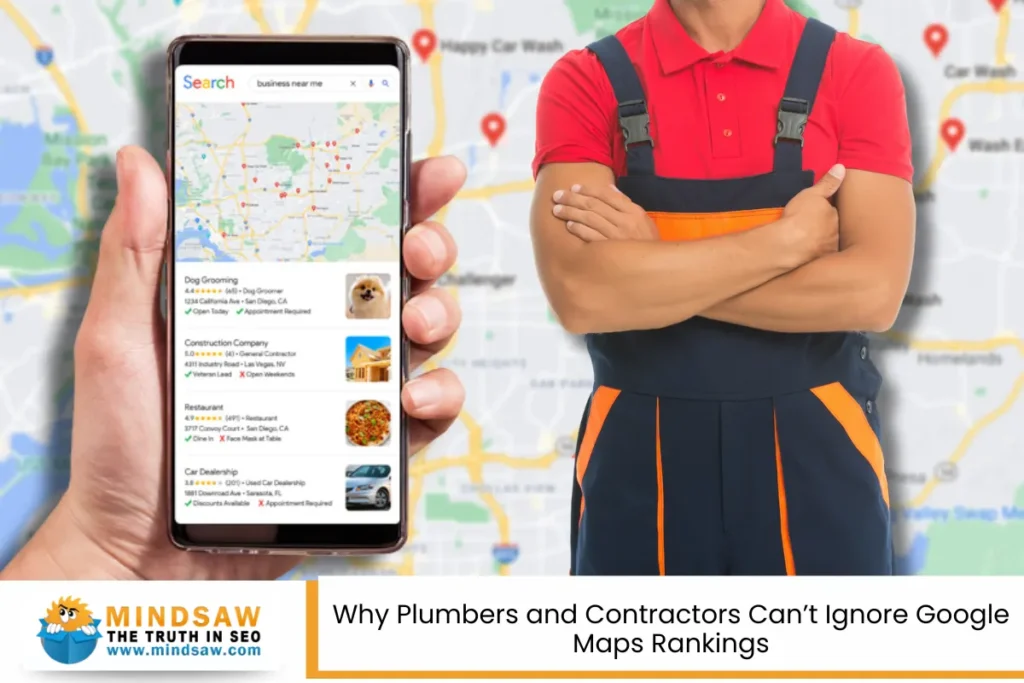

In today’s world, almost everyone turns to Google to find local help—whether it’s a plumber, a dog groomer, or a bakery around the corner. That’s where Google Maps SEO becomes a game-changer for local service businesses. When done right, it helps your business appear when people in your area are searching for your services. In 2025, it’s not just about being online—it’s about being visible in the right places, like Google Maps, and grabbing attention before your competition does.
Whether you’re a brick-and-mortar business or a service provider who travels to clients, this guide will help you dominate your local area and reach more potential customers through smart and easy strategies.
What Is Google Maps SEO?
Google Maps SEO is the process of optimizing your business listing on Google Maps. Hence, it shows up when people search for services in their area using Google Maps or local results on the Google Maps SERP (search engine results page). It’s especially powerful for business owners who want to appear in the Local Pack, that special box showing the top three local results on Google.
Unlike regular SEO, this approach focuses on location, relevance, and trust—three factors that matter most when someone is looking for help nearby. Whether you have one store or manage multiple locations, setting up your business address and locations correctly can mean the difference between no calls and a flood of new leads.
Why It Matters in 2025
More people than ever are using voice search and mobile devices to find local services. “Near me” searches are through the roof. And with tools like the Google Maps API and Google Cloud Platform, Google can serve hyper-local, real-time suggestions. If your business isn’t optimized for this, you’re missing out on a significant amount of search visibility.
You want your business to appear when someone types or says:
“Plumber near me”
“Best bakery in [your city]”
“Emergency electrician open now”
With the right strategies, you can enhance your visibility in target areas, connect with more satisfied customers, and build more trust through positive reviews.
What Helps You Rank on Google Maps?
Here are the top things that Google looks at when deciding who shows up first:
✅ Proximity
How close your business address is to the searcher. You can’t control this, but you can make sure your listing is accurate.
✅ Relevance
Is your business category and business description a match for what people are searching for? Using the right relevant keywords, keyword suggestions, and even exact-match keywords helps.
✅ Prominence
Do people know and trust your business? Are there lots of good reviews, links, and mentions? This is where User-generated content, backlinks, and social media play a big role.
How to Optimize Your Google Business Profile
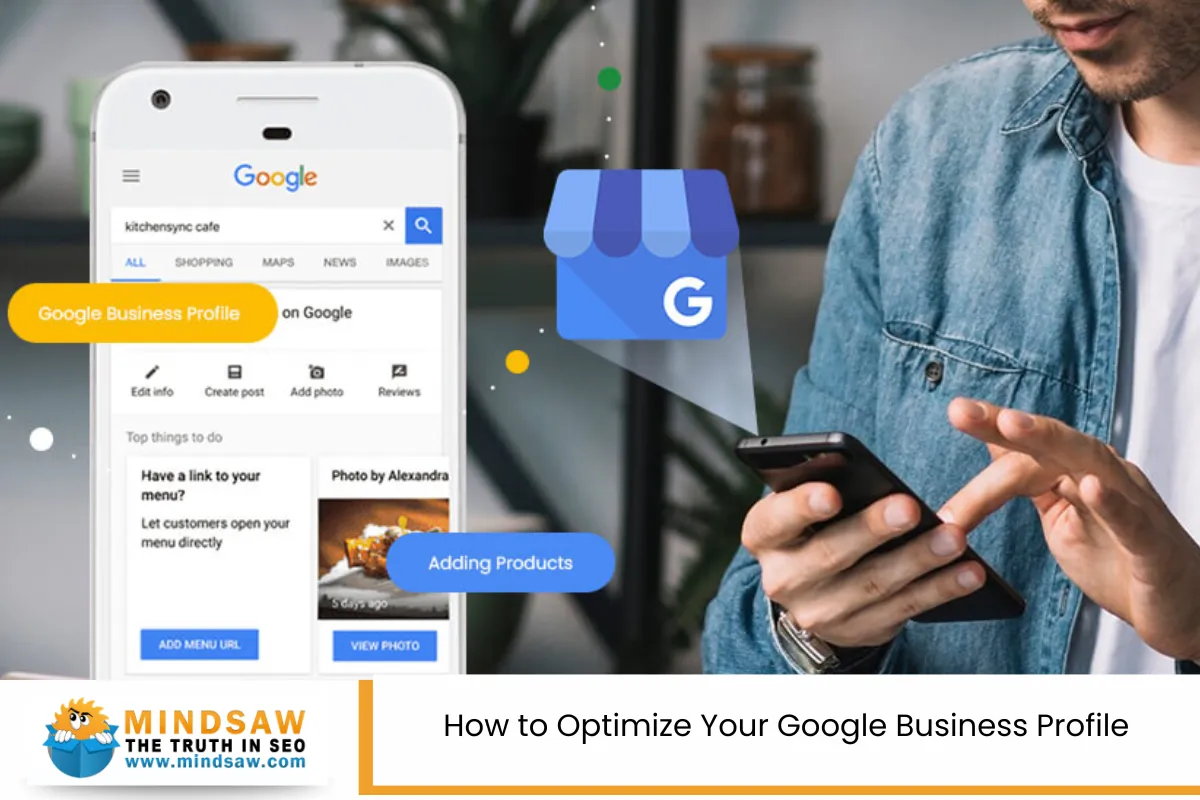
Here’s your step-by-step checklist to boost your online visibility on Google Maps:
1. Claim & Verify Your Profile
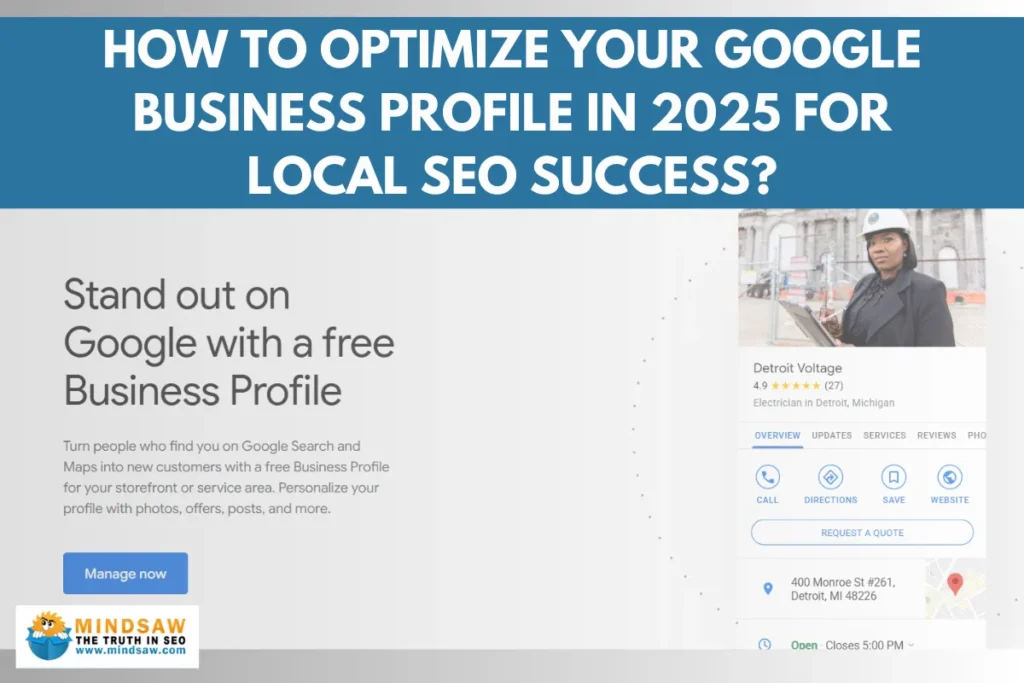
Make sure you have a verified Google Business Profile (formerly known as Google My Business). It’s your first step to being found.
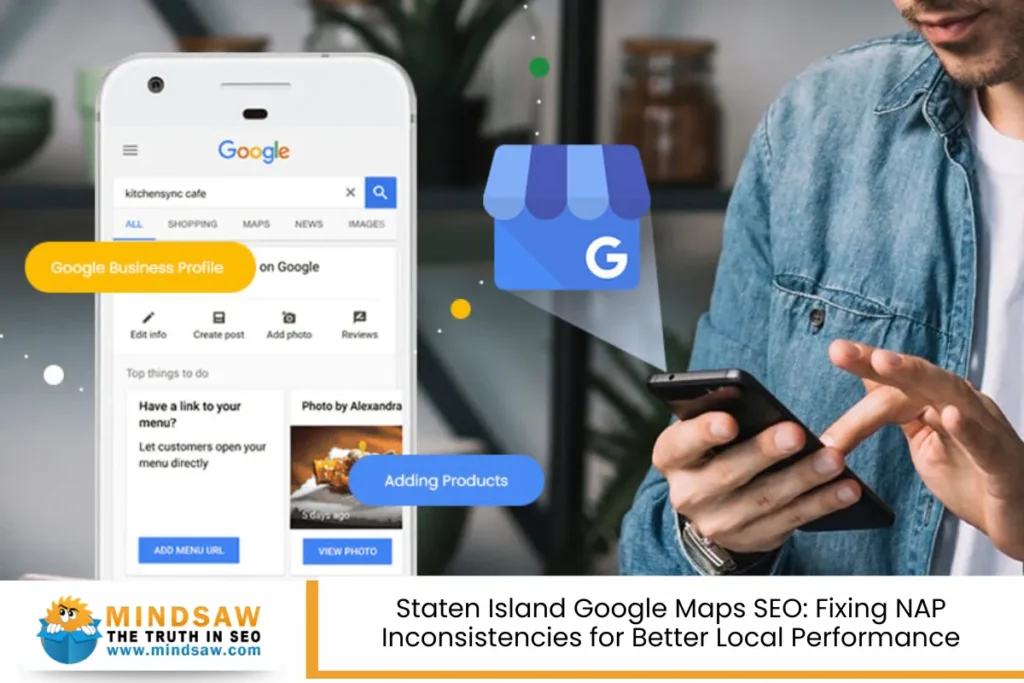
2. Keep Business Info Accurate
Your business address, phone number, hours, and services should be consistent across all major platforms, including social media, your website, and online directories.
3. Choose the Right Categories
Your business type needs to match what your customers are searching for. Be specific. A “Pet Groomer” is better than just “Pet Services”.
4. Write a Clear Business Description
Tell people what you do, where you serve, and why they should choose you. Include location-specific content and keyword ideas naturally.
5. Post Regular Updates
Post updates, share photos, offer deals, or highlight an event. This creates fresh posts and content signals that Google loves.
6. Add Real Customer Snapshots
Photos of your work, your team, and your location help build trust. Show off your space, tools, and happy customers.
7. Answer Questions with Google Q&A
Add answers to common questions, like pricing, availability, and service areas. This improves customer engagement and builds customer trust.
Reviews: Your Secret Weapon

Why Reviews Matter
Google listens to what people are saying. Positive Customer Reviews lead to satisfied customers, better rankings, and more clicks.
Tips to Get Reviews:
- Ask politely after a good service
- Send follow-up texts or emails with a link
- Display QR codes in your store or van
- Use tools like Birdeye’s GenAI-powered platform to automate review requests
Don’t Just Collect, Respond!
Reply to every review—good or bad. It shows you care and boosts customer sentiment. Thank your happy customers, and try to resolve issues with those who are not so happy.
Building Local Authority
To rank higher in 2025, your business needs to be seen as trustworthy in your area.
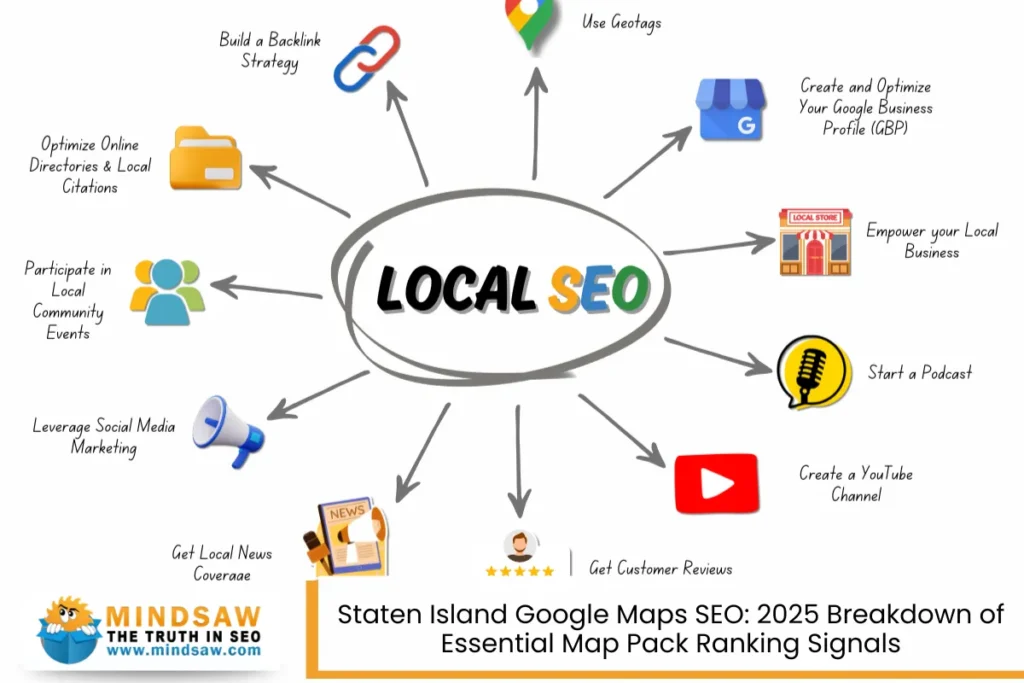
Local Citations
Get your business listed on city directories, maps, and review sites. This helps create visibility progressions and boosts your credibility.
Quality Backlinks
Use a backlink checker to find out where your competitors are getting links—and get some of your own from local blogs, newspapers, and event listings.
Share Social Media Content
Connect your social profiles and share stories, photos, and User-generated content. Google notices when you’re active across robust platforms.
Smarter Content Strategy
Great content doesn’t just live on websites anymore—it powers your maps listing too.
- Create location-specific content for every service area
- Write helpful blog posts answering common questions
- Add videos and updates to your Google listing regularly
- Leverage user-generated content from your happy customers for authenticity
- Cross-share to your centralized platform and city-wide review platform
Website Optimization for Local SEO

While your Google Business Profile is your storefront on Google Maps, your website is your digital home base—and it needs to support your local SEO efforts, too.
Must-Do Website Tips:
➤ Create Location-Specific Pages
If you serve more than one area, build separate pages for each town or neighborhood. Add unique location-specific content to each one.
➤ Optimize On-Page SEO
Use relevant keywords in your titles, headers, and meta descriptions to improve your search engine rankings. Add schema markup to tell Google exactly what type of business you are and where you are located.
➤ Mobile-Friendly Design
Most business searches come from smartphones. A fast, mobile-optimized site is a must in 2025.
➤ Use Fresh Content
Regular blog posts and fresh posts help show Google that you’re active. This supports content fresh signals.
➤ Voice Search Ready
Include natural language questions, such as “What’s the best carpet cleaner near me?” so you appear in voice searches as well.
Tracking Your Progress: What Works, What Doesn’t?
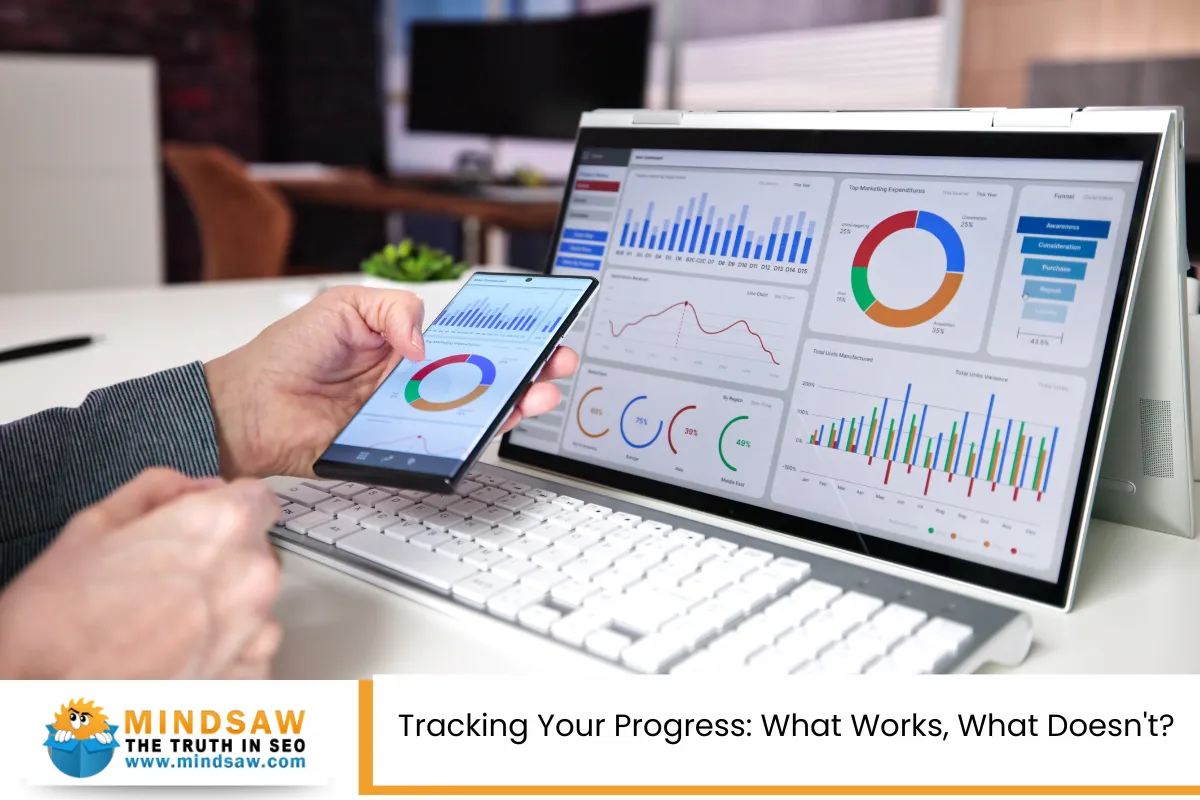
To truly dominate your area, you need to measure the effectiveness of your local SEO efforts. Here are tools and strategies to do just that:
Tools to Use:
- Google Business Insights: See how many people view, call, or request directions from your listing.
- Google Analytics 4 (GA4): Understand how users interact with your website.
- Google Search Console: Track your keyword rankings and fix any errors.
- BrightLocal, Moz Local, or SEMRush: These help monitor local rankings, citations, and reviews.
- Use a backlink checker to see who links to your site and find new opportunities.
Advanced Tips to Stay Ahead in 2025
If you want to go beyond just being “on the map” and dominate local search, consider these pro moves:
Use Automation & AI
Utilize platforms to streamline auto-responding to reviews, generating content, and other tasks.
Expand to Other Platforms
Besides Google, make sure you’re also listed on:
- Apple Maps (via Apple Business Connect)
- Bing Places
- Facebook Business
These are all major platforms where people discover local service businesses.
Embrace Visuals
Share Real customer snapshots, team photos, before-and-after shots—anything that tells your story. Tag them properly for better reach.
Encourage User-generated Content
Ask happy customers to share testimonials, photos, or even short videos on social media. Then repost as part of your social media content.
Your Local Business Deserves the Spotlight
By now, you know that Google Maps SEO isn’t just a buzzword—it’s your path to reaching more people, growing your reputation, and creating a steady flow of satisfied customers. Whether you run a solo operation or manage multi-location businesses, these steps can help you earn your spot in the Google Maps SERP and connect with potential customers in your neighborhood.
Remember, this isn’t a one-time setup. Keep your content fresh, engage with your community, and Leverage user-generated content and reviews to stay ahead. Use tools, stay active on robust platforms, and make your digital presence a true reflection of your real-world excellence.
Start today by checking your Google Business listing, updating your business category, posting your latest offer, and thanking a happy customer.
The map is yours to own—just optimize it.
Google Maps SEO Expert – Mindsaw
Want to dominate your local area on Google Maps? Mindsaw is your trusted Google Maps SEO expert, helping local service businesses increase search visibility and attract more potential customers. Whether you run a brick-and-mortar business or serve multiple locations, we optimize your Google Business Profile, boost your local rankings, and turn clicks into calls. From accurate listings to User-generated content strategies and fresh content signals, we handle it all. Let us help you rise in the Google Maps SERP and get found by the right people at the right time.
📞 Call (718) 227-2300 or fill out our contact form today—Mindsaw is here to help you win local search in 2025!
FAQ: Google Maps SEO for Local Service Businesses
What is the difference between Google Maps SEO and local SEO?
Google Maps SEO and local SEO are closely related but serve different functions. Google Maps SEO focuses on optimizing your Google Business Profile to appear in the Google Maps listings and the Local Pack—that top section of search listings showing local businesses with maps, reviews, and contact info.
Local SEO, on the other hand, is a broader SEO strategy. It includes optimizing your website with a location-specific landing page, structured data like schema per location boosts, and citations across online directories and major directories like Yellow Pages.
- Google Maps SEO boosts foot traffic and direction clicks.
- Local SEO increases organic traffic and click-through rate to your website.
Both strategies enhance search rankings, improve online presence, and build social proof through customer testimonials that are relevant to your target audience.
How long does it take to rank in the Local Pack?
Ranking in the Local Pack usually takes anywhere from 30 to 90 days, but several factors can influence this timeline. Google considers the SEO ranking factor of your Google Business Profile, your engagement rates, and the quality of your citation building on major platforms.
Here’s what speeds up pack rankings:
- Accurate categories, such as a well-chosen primary category and secondary categories.
- A complete profile with business hours, physical location, and photos.
- High business profile interactions such as reviews and direction request click.
- Positive review trends and sentiment trends.
- Strong online mentions from community websites and relevant websites.
SEO tools can help with competitor analysis, enabling your SEO service to match or exceed the standards set by competitors. Consistency and ongoing optimization remain key to timely results.
Do keywords in business names help Google Maps rankings?
Yes, having relevant keywords in your business name can positively influence Google Maps SEO, but it must reflect your legal or official name. For example, “Joe’s Plumbing & Heating” may rank better for “heating repair” searches than just “Joe’s.”
However, Google discourages keyword stuffing. Adding terms that aren’t part of your business’s legal name could result in penalties or listing suspension. Instead, focus on:
- Correct primary category and secondary categories
- Location relevance using a hyper-local relevance approach
- Creating a location-specific landing page tied to your Google Business Profile
- Improving social proof through consistent reviews
Keywords in your name may offer an initial boost, but long-term ranking signals come from customer satisfaction, business mentions, and your commitment to delivering a positive customer experience.
How often should I update my Google Business Profile?
You should update your Google Business Profile regularly—ideally once a week. Keeping your listing current shows Google that your business is active, which supports relevance signals and keeps your business performance competitive in search listings.
Here are essential updates to maintain:
- Adjust business hours for holidays or changes
- Add special promotions and fresh clicks via weekly posts
- Share photos to improve user experience
- Update services or new business contacts
- Review management by replying to new feedback
Frequent updates enhance your online reputation and support customer experience management, especially for multi-location businesses. Use management tools to keep updates organized across all major platforms and social media profiles.
Can service-based businesses with no physical storefront rank on Maps?
Yes, mobile services and service-based businesses without a storefront can rank in Google Maps. You simply need to hide your physical location and define a service area in your Google Business Profile.
Here’s how to do it:
- Choose the correct primary category (e.g., mobile locksmith)
- List your business hours accurately
- Upload images and special promotions
- Encourage business profile interactions and direction clicks (even without a store)
- Ensure business mentions on industry-specific directories and community websites
You’ll still compete with the nearest businesses, but smart citation building, community involvement, and earning customer testimonials relevant to your services will enhance your geographic relevance and online presence.
Is paid advertising necessary to dominate local search in 2025?
Paid ads, such as Google Maps Ads, can boost visibility quickly, but they’re not required to dominate. Organic Google Maps SEO remains strong when your listing is fully optimized. That said, advertising can be beneficial when you’re in a highly competitive niche or launching in a new market.
Reasons to consider paid ads:
- Get above competitive listings instantly
- Increase traffic acquisition for new key business launches
- Test offers with a target audience
- Support ongoing growth strategy
Organic success depends on:
- Accurate Google Business Profile
- Consistent business mentions
- Positive customer satisfaction
- High social proof
Combining ads with an optimized profile and SEO strategy can lead to exponential growth.
How does Google prioritize proximity in search rankings now?
Proximity plays a big role in Google Maps SEO. When users perform a local search, Google shows businesses closest to their location—even more so if they’re on mobile.
Factors that affect proximity rankings:
- Accuracy of your physical location in your profile
- Proximity to the searcher at the time of the query
- Consistency in online directories, chambers of commerce, and community websites
- Verified Google Business Profile
- Strong geographic relevance and hyper-local relevance in descriptions
If you’re a service-based business, setting your service areas properly can help offset proximity limits. Utilize SEO tools to track ranking signal shifts and maintain high engagement rates from your target audience in your local area.
Should I use the same keywords for GBP and website pages?
Yes, aligning your Google Business Profile and website content with shared, relevant keywords supports a more effective SEO strategy. Google looks for consistency between listings and your respective landing or individual landing pages.
Smart keyword usage should reflect:
- Business offerings using accurate categories
- Local intent with location-specific landing page
- Natural terms used in social media channels and customer testimonials relevant to your service
Avoid stuffing or duplicating keywords. Instead, focus on:
- Varying your SEO ranking factor terms
- Using keywords in headings, meta data, and image alt tags
- Structuring pages by key business area or service with schema per location boosts
This consistency helps strengthen relevance signals, improves click-through rates, and builds a professional presence that boosts overall business performance.
Read more Staten Island Google Maps SEO Algorithms Explained: What Really Impacts Local Rankings